

Canonical
on 27 September 2016
Article cited below by Hagen Cocoate and source here
Last Saturday at Nextcloud conference in Berlin the Nextcloud Box was announced. Frank said it’s a part of his promise/desire to make the world a better place by bringing your data home.
How can the world be a better place with Nextcloud Box?
What is Nextcloud Box?
Nextcloud Box is a project between Western Digital Labs, Ubuntu / Canonical and Nextcloud GmbH. It gives you the possibility to store your data (files, documents, photos, calendars, notes, newsfeed, contacts, music files, video files and everything the can be stored in a file) in your own Nextcloud Box. There is no need anymore to upload your data to proprietary cloud services like Dropbox, Google Cloud, Microsoft Cloud, Apple Cloud, Amazon Cloud, and many other! It will be even possible in the next release to make encrypted phone calls via your Nextcloud Box.
The complete Nextcloud Box contains a hard disk, an operating system, and open source software:
- A hard disk from Western Digital (1TB = a lot for me)
- A Raspberry Pi computer (at the moment model 2)
- The Raspberry Pi is so far not included in the box you can buy
a 4GB storage card with a preinstalled Linux System (Snappy Ubuntu Core)
the Nextcloud software (Version 9.53) - A software environment that connects the box automatically to your (local) network via ethernet cable and offers the Nextcloud services to all users
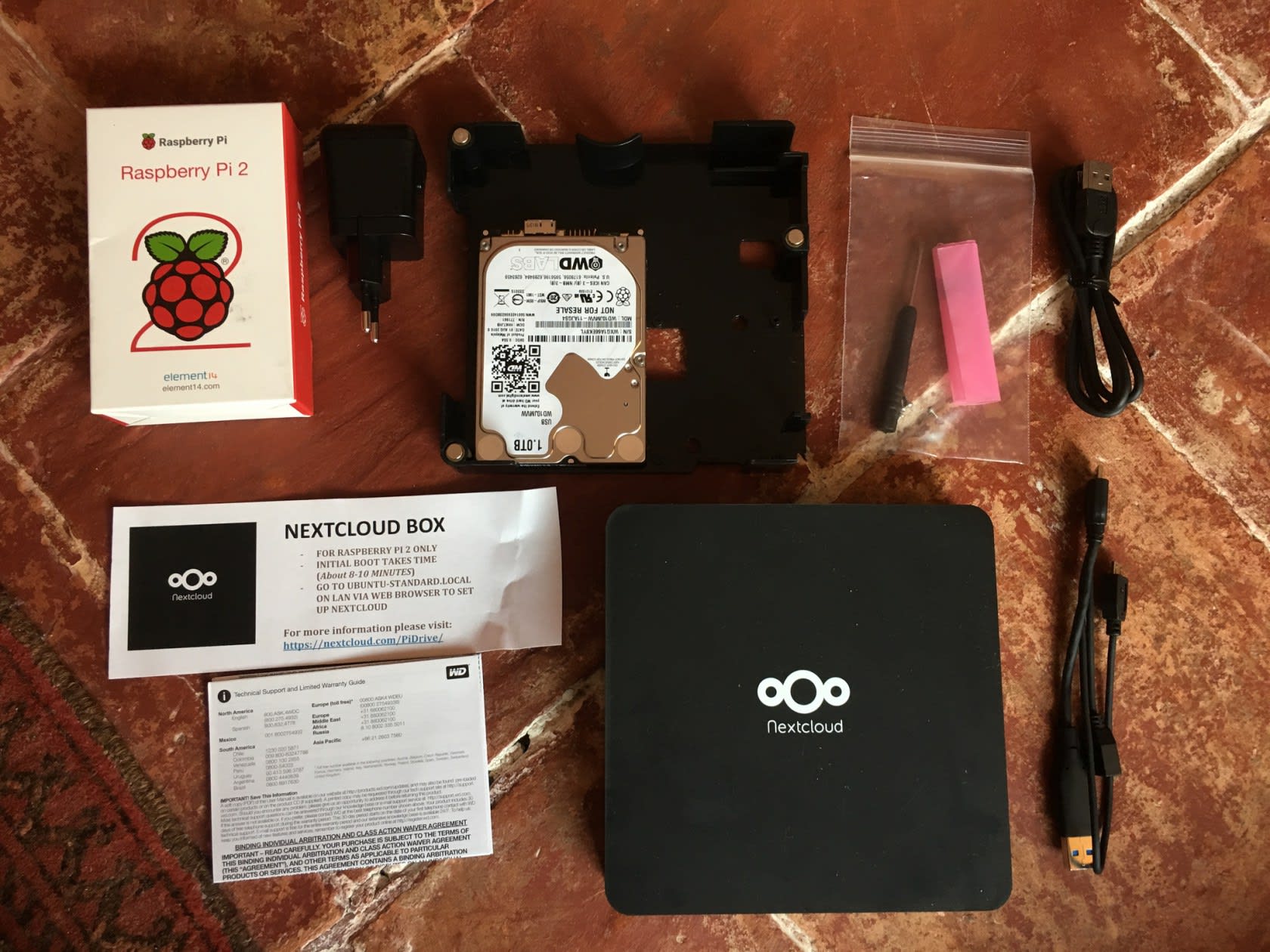
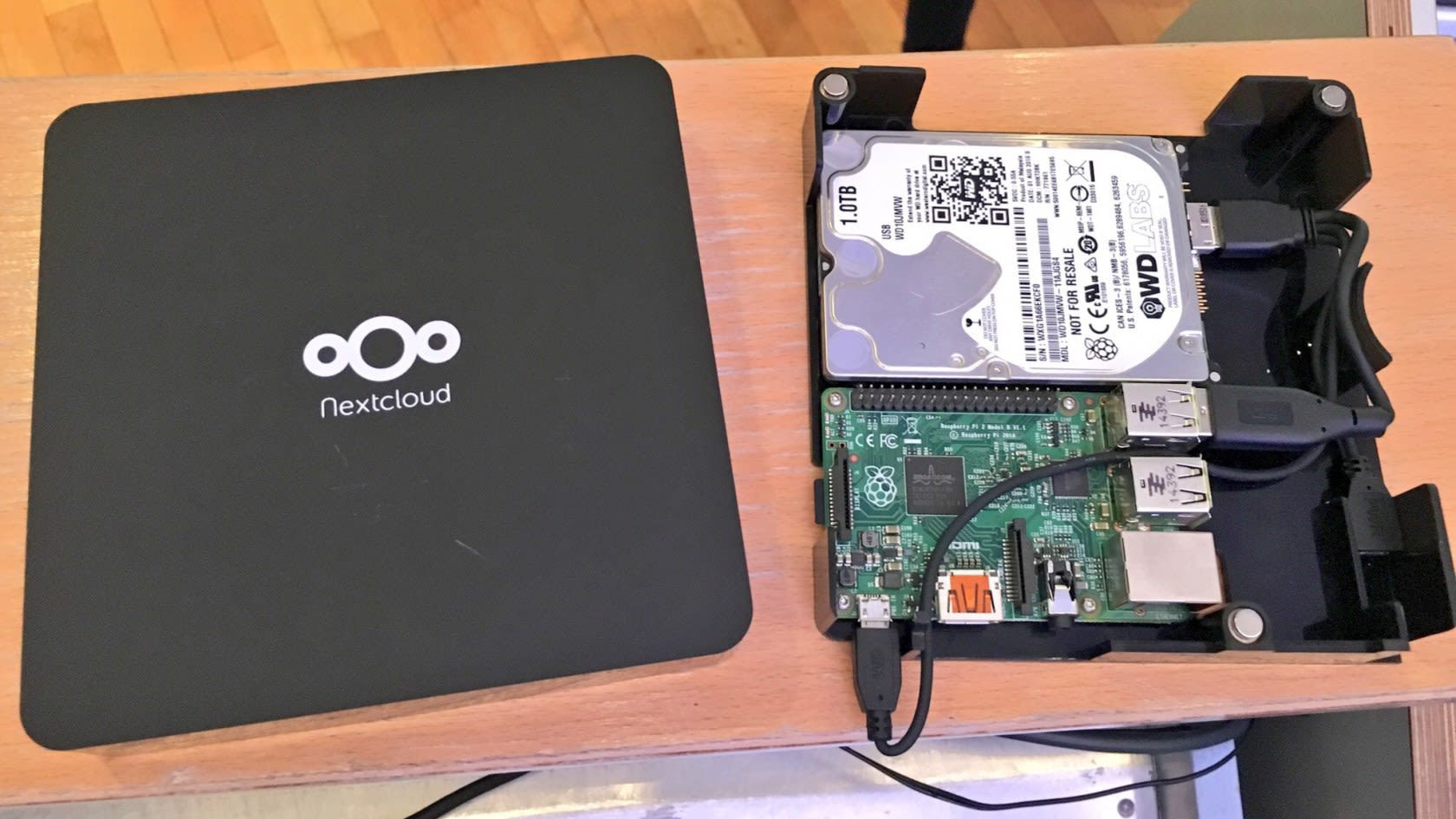
A complete Nextcloud Box looks like this and costs 70 Euro in Europe.
Why is it sold without the Raspberry Pi?
Nextcloud box should be as open as possible so the partners decided for the start not to deliver the Raspberry Pi. If you already own one you can connect your Raspberry Pi 2 to the box. There is a screw-driver, four screws, all necessary connection cables and a power supply in the box. If not, you have to buy it somewhere. Frank announced that there are working on a possibility to sell complete packages in the future.
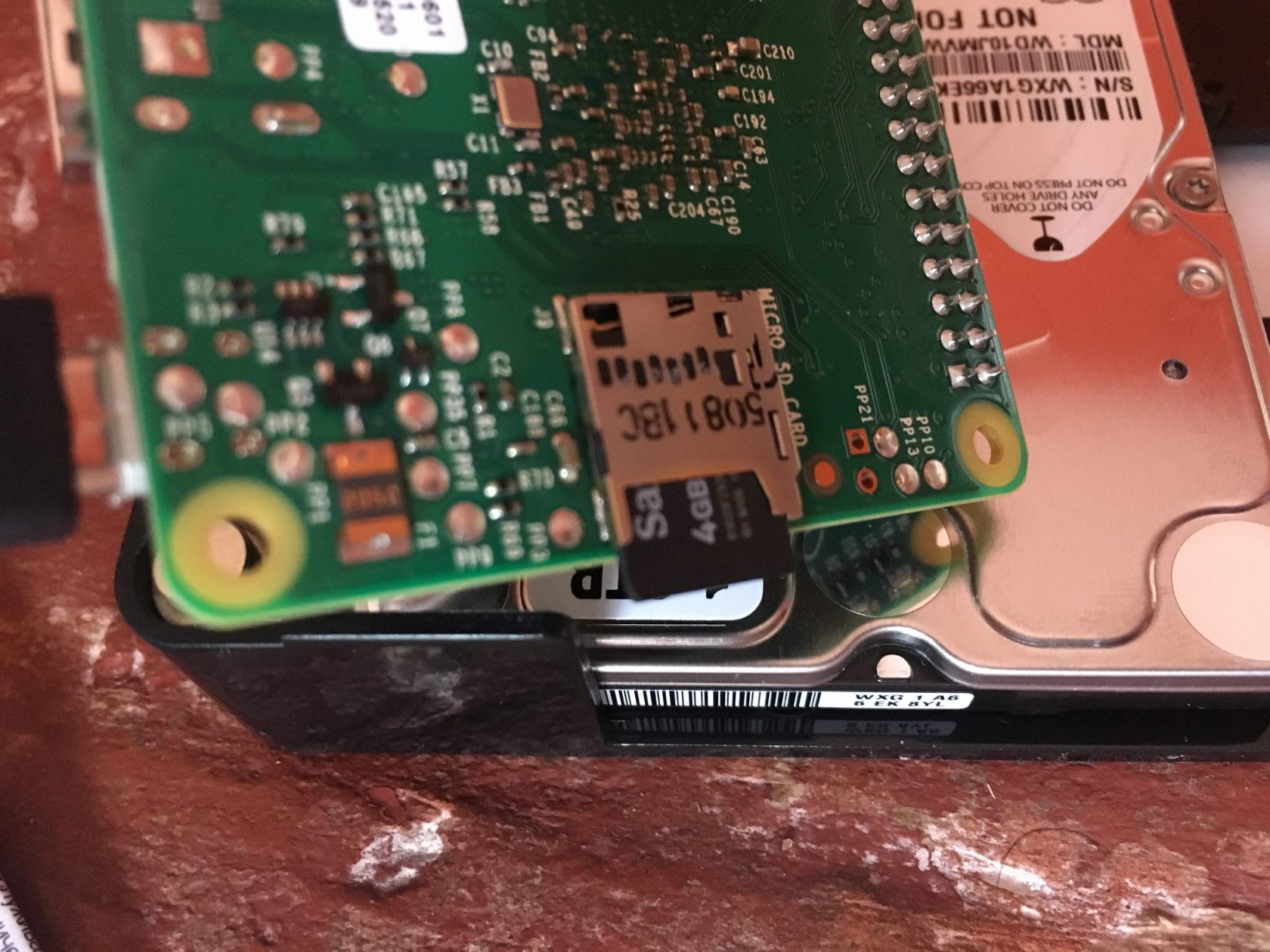
Putting everything together is easy and doable for everyone. If you search for the card slot at the Raspberry Pi – It’s a bit hidden “below” it and luckily it’s not possible to insert the card in the wrong way.
This it how it looks if everything is connected
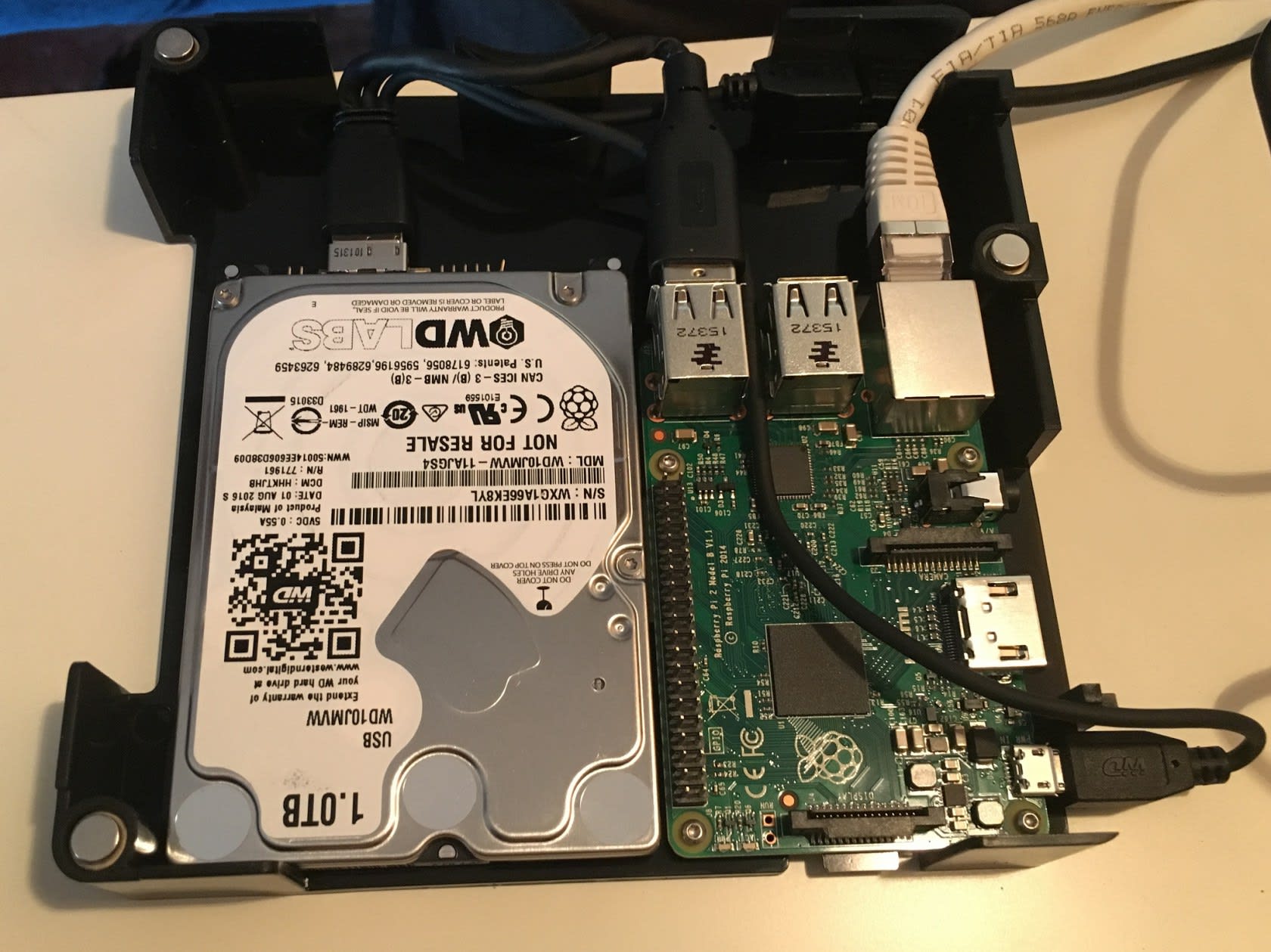
The last task is to close the box with the cover and you’re done.
How to install Nextcloud Box
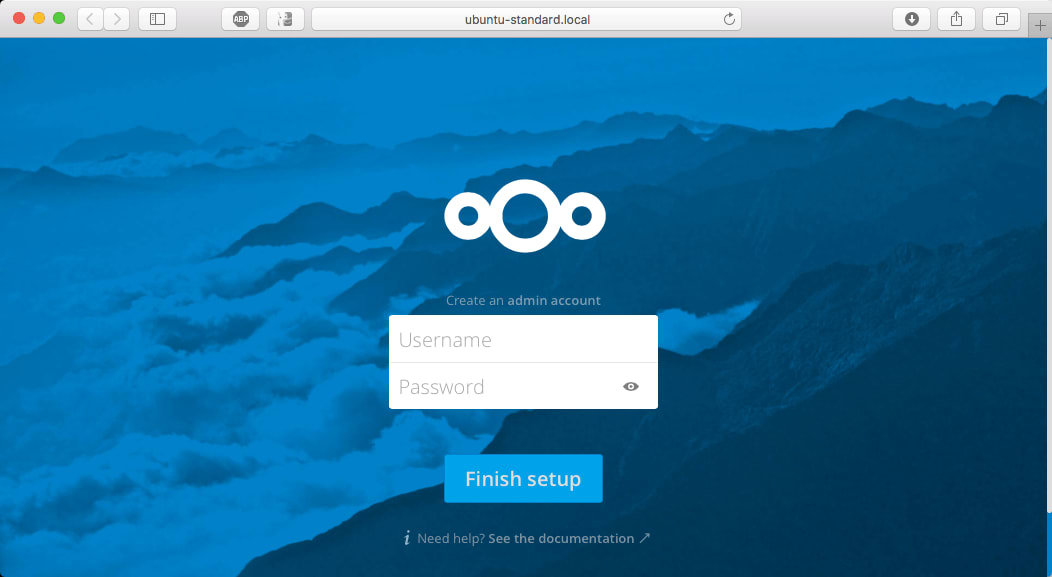
Well, just connect it to your network, provide electricity and wait 8-10 minutes. Open your browser and point to http://ubuntu-standard.local. The start screen asks to set a user-name and a password for the administrator account. Enter a name and secure password, then click the finish setup button.
Next steps
Depending on your goal and situation you can e.g. connect Nextcloud Box to your clients
This is an example of the OS X Nextcloud client
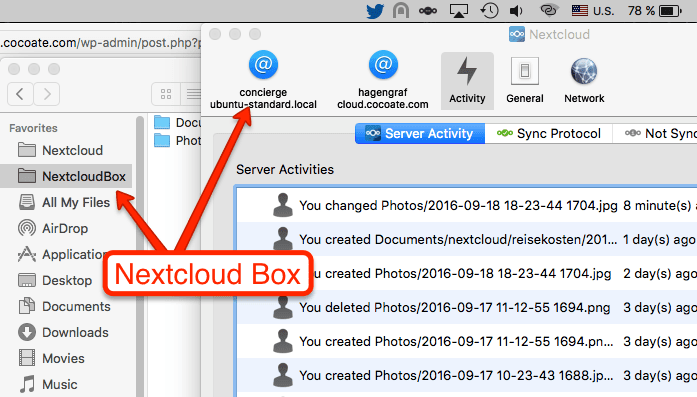
It works of course too on iOS and Android devices.
Allow access from outside your home and become a cloud hoster.
If you have a fairly fast internet connection at home and a possibility to configure your router, you can enable the access to your Nextcloud Box from outside of your home. E.g. here in France it’s possible to get your own IP-address for free (free.fr). As this IP-address is static it’s possible to connect it to a domain name (mydomainname.tld) and you suddenly become a cloud hosting entity.
Why is Nextcloud Box important?
It’s another try to help people to understand how easy it is to store your own data at home or in your own company in an environment as open as possible. Even the plan of the box is available for free so that you are able to start your own project!
Article by: Hagen Cocoate. Original source here.


